Digital Banking

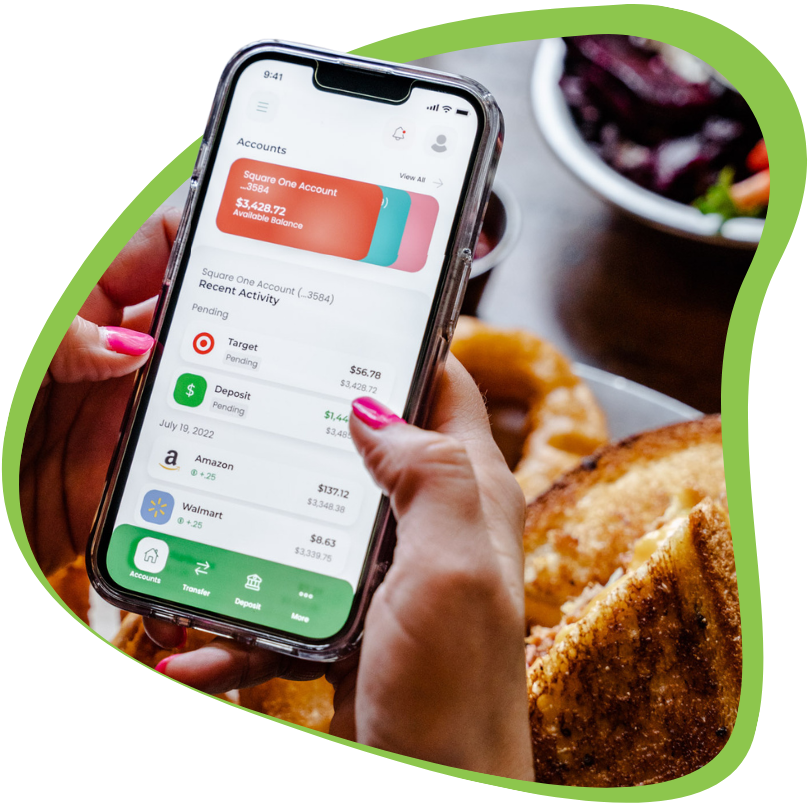
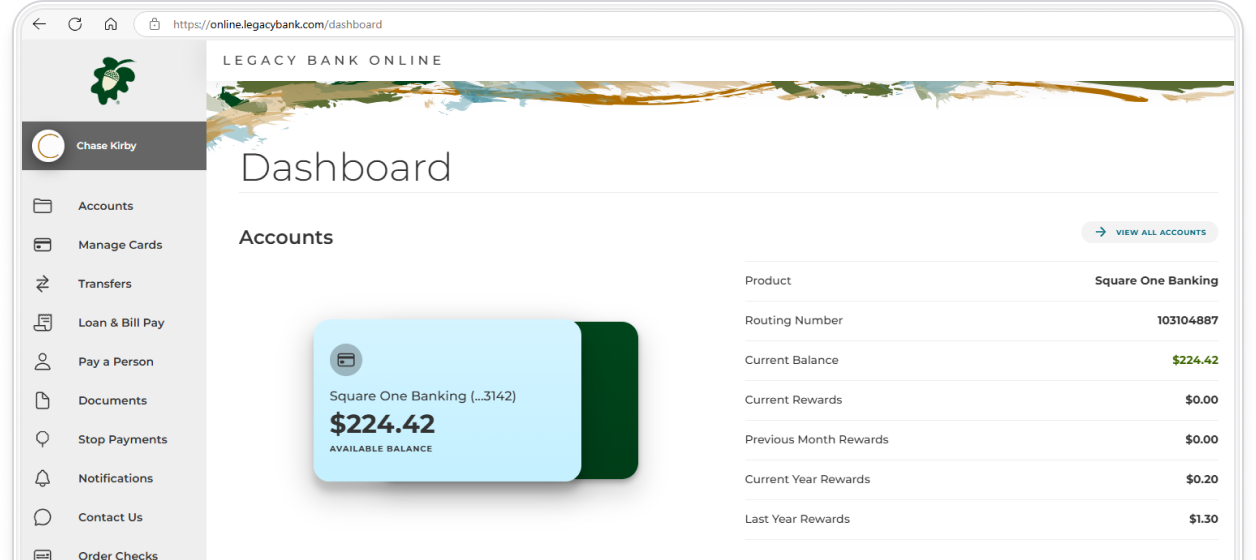
Legacy Bank Mobile gives you constant money management with easy access to account information, the ability to quickly transfer funds, mobile deposit, and more.

mobile

Digital Banking

All-in-One Finance Services

Content

Digital Banking

Business Ebanking Benefits

dash_mini
Yeah, we have an app

Legacy Bank Mobile

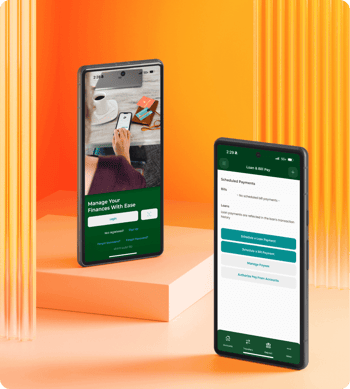
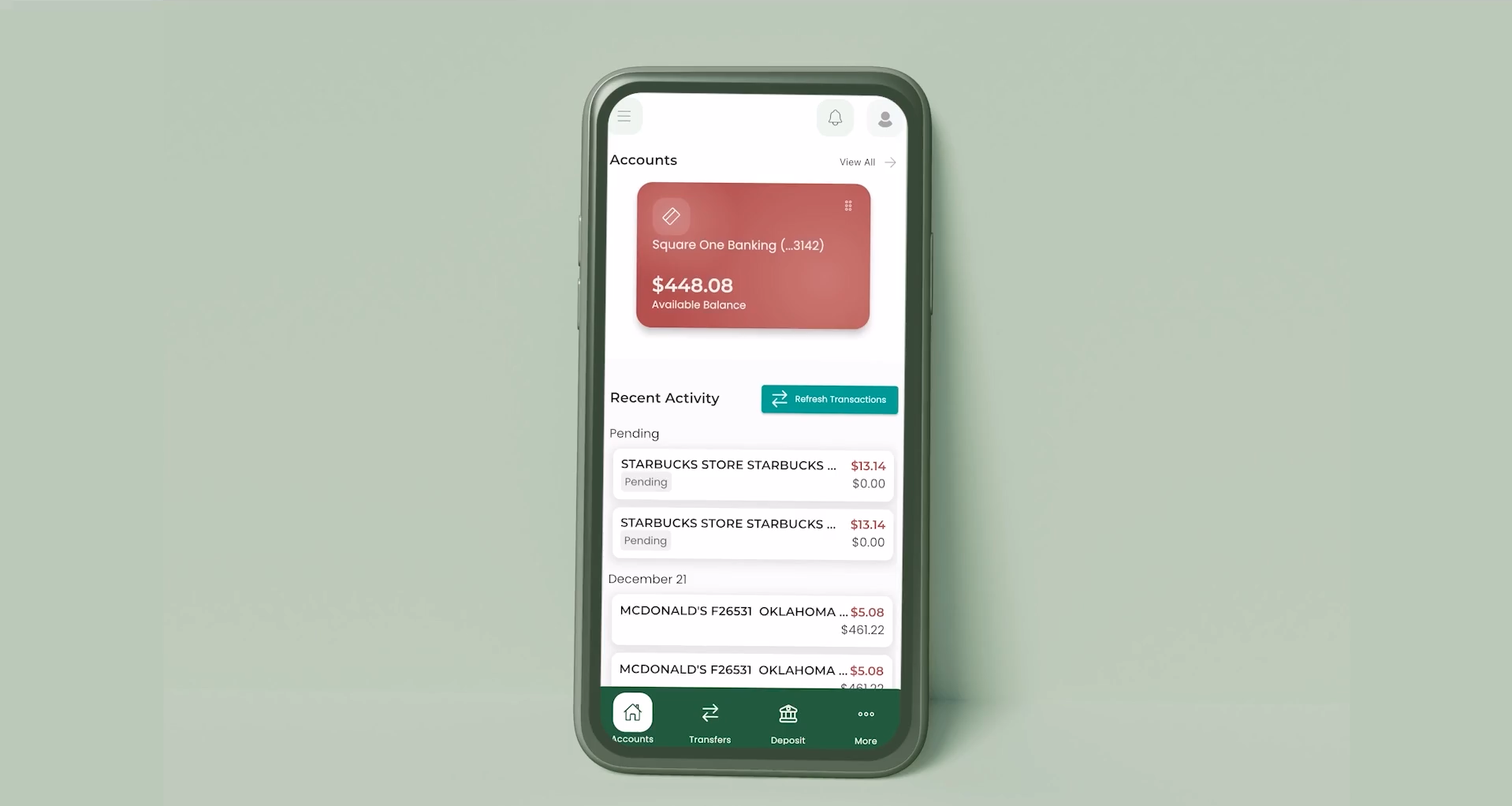
Legacy Bank Mobile gives you constant money management with easy access to account information, the ability to quickly transfer funds, mobile deposit, and more.

Download it here:

Mobile app store badge (1) Mobile app store badge

Mobile App
Pay Bills
Deposit Checks
Pay a Person
View Documents

Take a Little Tour
You might just learn something...

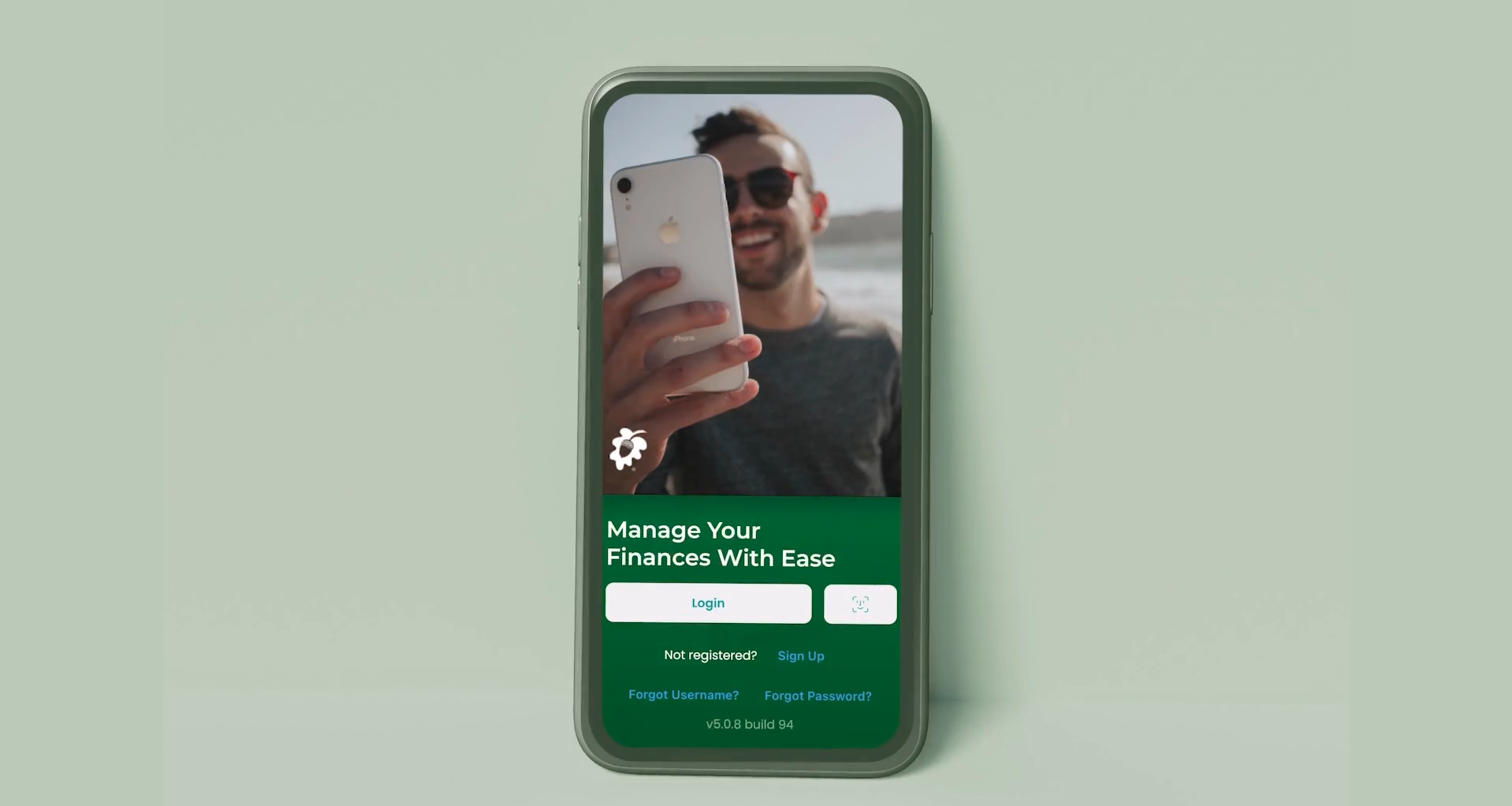
Login to Legacy Mobile

Login to Legacy Mobile

Account Settings

Account Settings in Legacy Mobile 

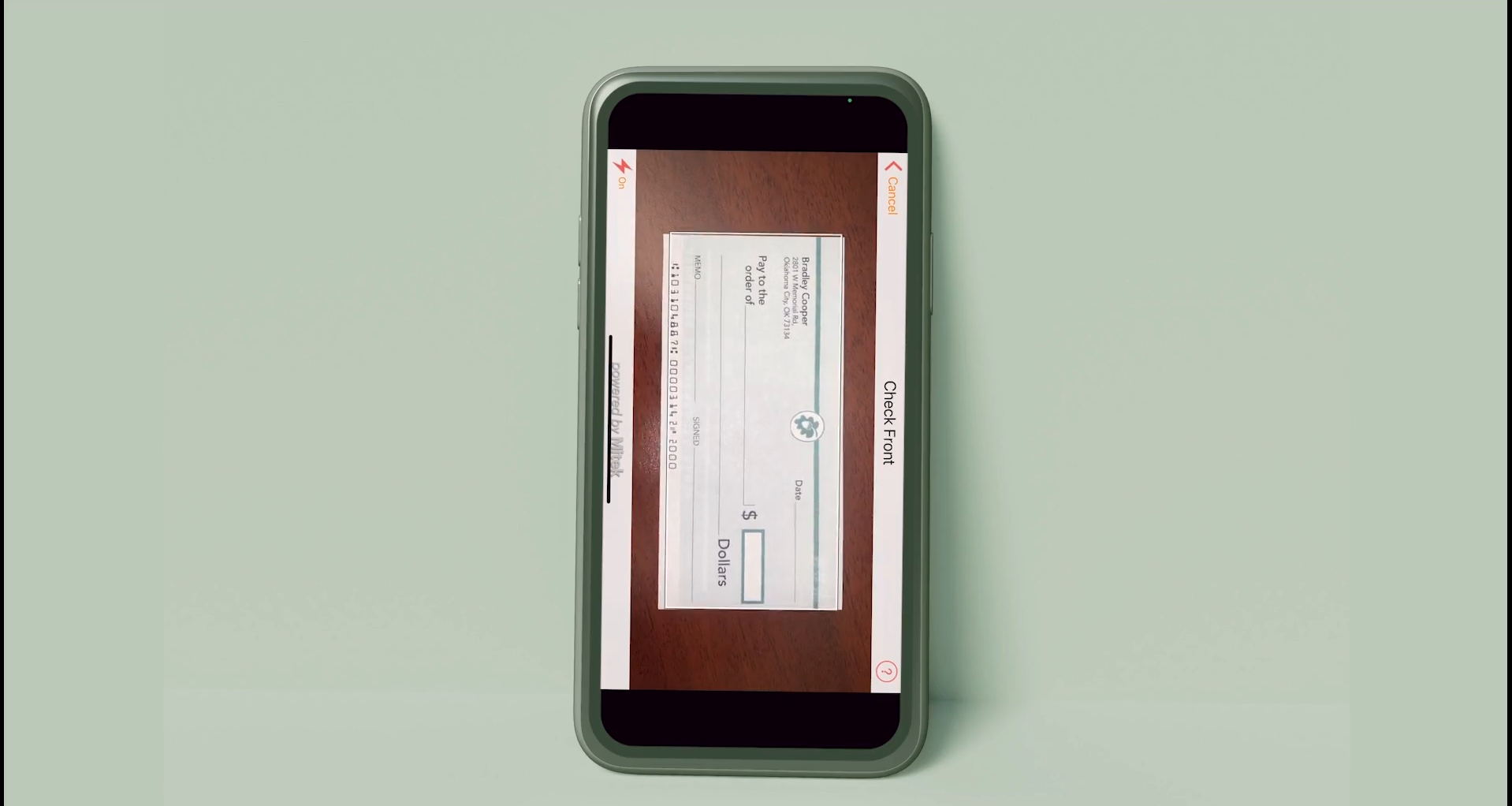
Check Deposit

Deposit a Check in Legacy Mobile

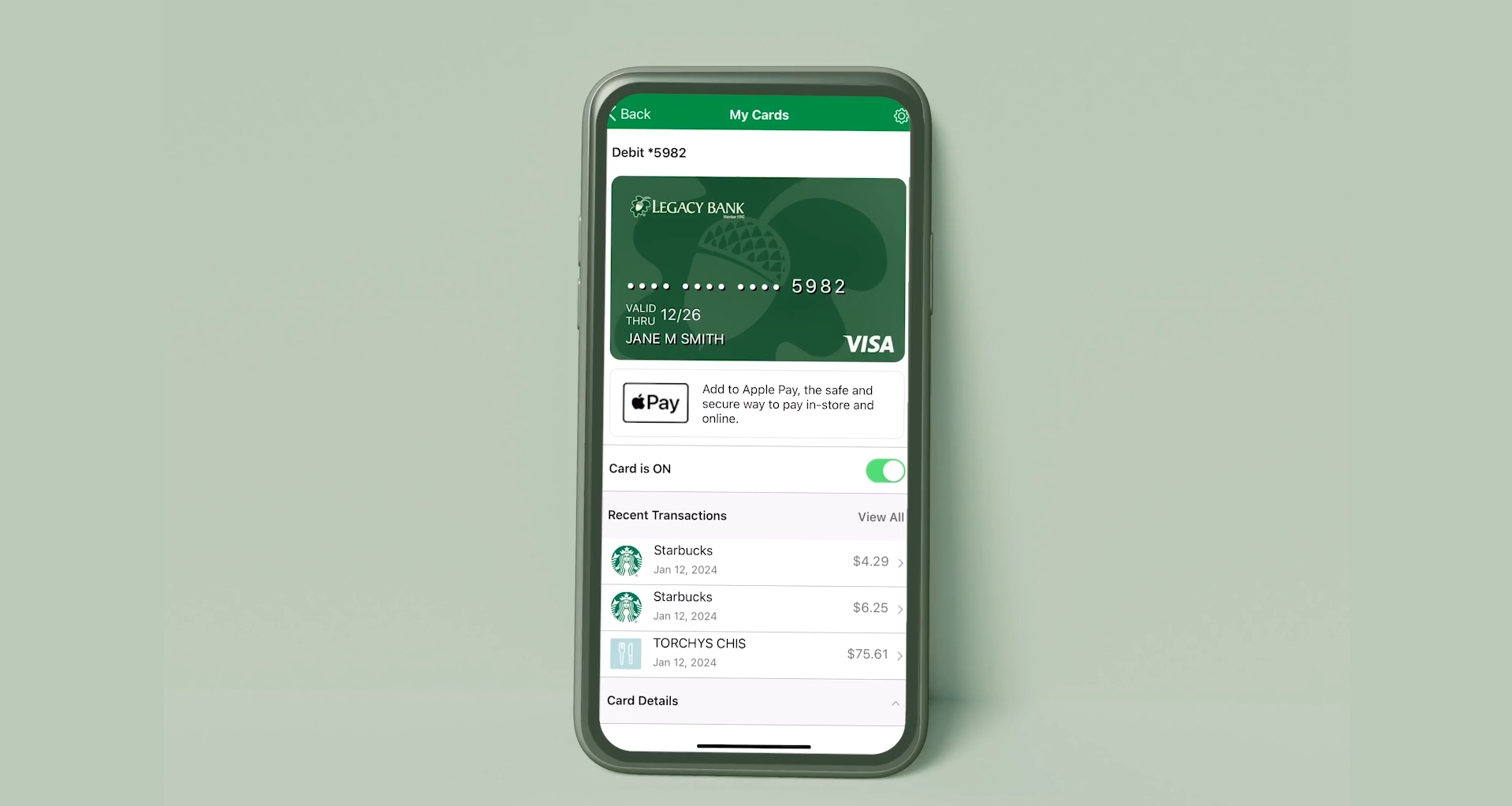
Card Management in Legacy Mobile

Card Management in Legacy Mobile

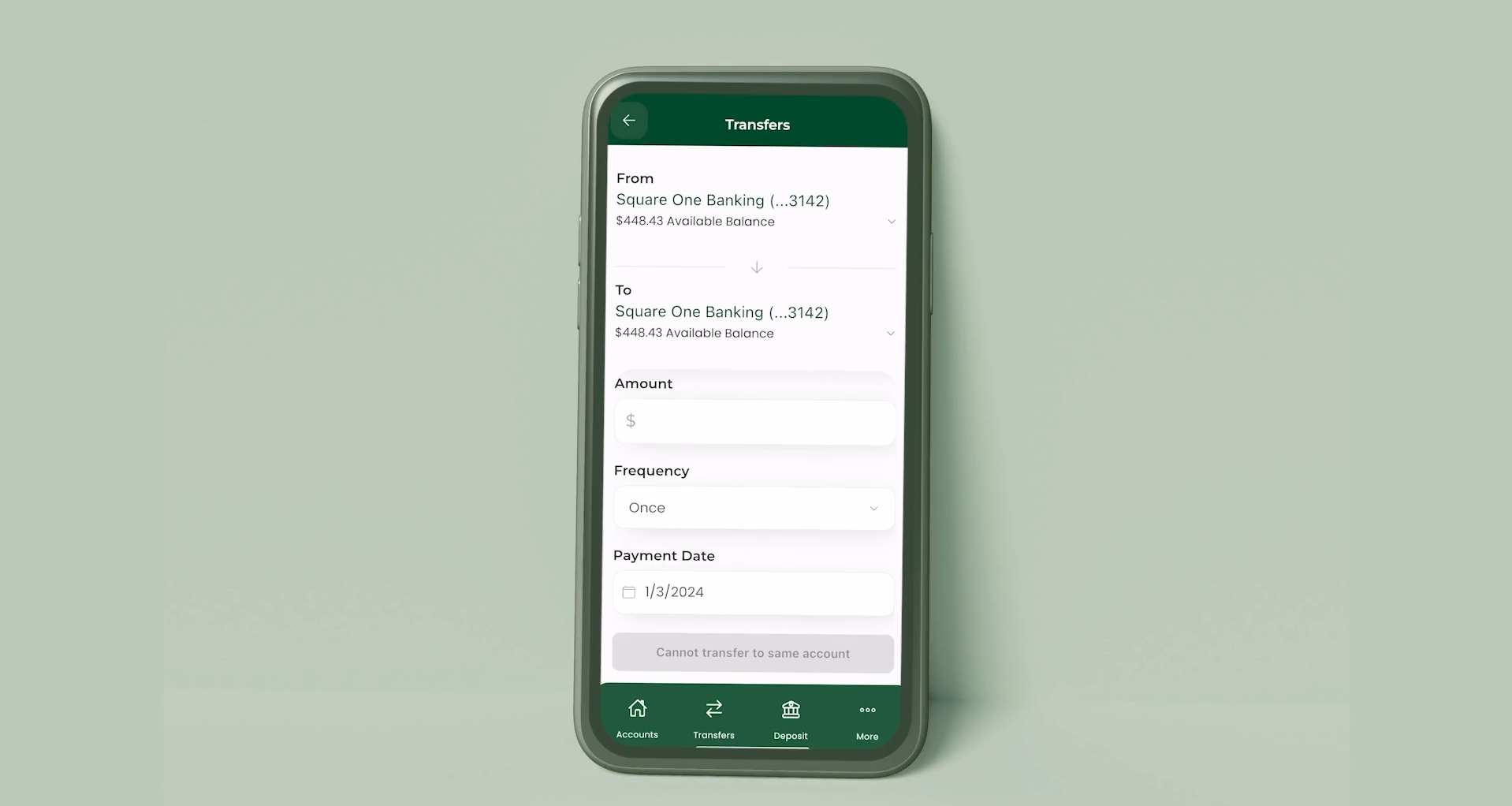
Bill Pay, Transfer, and Pay a Person in Legacy Mobile

Bill Pay, Transfer, and Pay a Person in Legacy Mobile

Mobile App
FAQs

Account Setup

What should I do if I am a new Legacy Bank mobile app user?

Welcome! We're happy to have you. Download the app from the App Store and click “Sign Up” at the bottom of the home screen.

How do I get the new Legacy Bank mobile app on my device?

Automatic updates come in handy in times like this. If you don't have automatic updates enabled, you can manually update your Legacy Bank app through the App Store.

Will I need to create a new username and password?

If you are an active user in our current app, your username and password will transfer to the new app. However, you may be prompted to authenticate your device before use.

How do I turn on Face or Touch ID?

Face and Touch ID will automatically work with the app if they are already enabled on your smartphone.

I have forgotten my username and/or password. What do I do?

The login screen includes “Forgot Username” and “Forgot Password” links. Follow the prompts to recover your account information.

I have been locked out of the system due to entering the wrong username or password too many times. How do I unlock my account?

Call us at 405-748-2535. We've got you covered.

What if I can't see all of my accounts once I am logged in?

It may take up to 24 hours for all accounts to load into your mobile app. If your accounts still do not appear, message us through the app or give us a call for assistance.

How do I set up custom alerts?

Open the main menu and select “Settings,” then “Notification Settings.” From there, you can customize alerts and notifications for each account.

Mobile Deposit

How should I endorse checks when using mobile check deposit?

The back of the check will need to be signed with:

  1. “For Mobile Deposit Only”
  2. “Account #” + (Your Account Number)
  3. Your Signature

How long do I have to keep my checks after they are successfully deposited?

Securely store the original paper check for at least 60 days after deposit in case any issues arise.

When will my funds be available after making a deposit?

Deposits received before 3:00 PM Central Time Monday–Friday are generally processed the same day and available the next business day. Deposits made after 3:00 PM or on holidays will be processed the following business day.

How will I know my deposit was successfully received?

Your check will appear as a pending deposit, and you will receive an email and text notification confirming receipt.

How will I know if Legacy approved my deposit?

Once your check is processed and posted, the transaction will appear in your online account activity. If notifications are enabled, you will also receive a mobile alert.

Why would a mobile banking deposit be declined?

A mobile deposit may be declined for the following reasons:

  • Check is ineligible for mobile deposit
  • Check was previously deposited
  • Missing or incorrect endorsement
  • Poor image quality

What if I submitted a deposit for the wrong amount?

No action is required on your end. The deposit will be reviewed and corrected, although processing may take longer.

Can I re-deposit a returned check through the mobile app?

Returned checks cannot be re-deposited through the mobile app. Please visit one of our locations for assistance.

What should I do if I selected the wrong account for deposit?

You can transfer the funds between accounts using the mobile app once the deposited funds become available.

Transfers

How do I transfer between my Legacy deposit accounts?

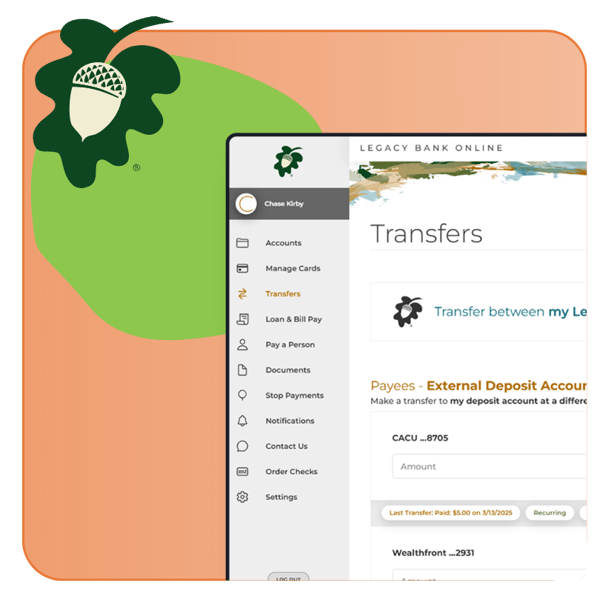
Visit the main menu and select “Transfer,” then choose “Transfer Funds.”

How do I transfer from my Legacy deposit account to an external bank deposit account?

Visit the main menu and select “Transfer,” then choose “Manage Transfer Accounts” and “Add a Transfer Account.” Enter the external account information, review the details, and select “Submit.”

Bill Pay/Legacy Loan Payments

How do I add a payee in Loan and Bill Pay?

Visit the main menu and select “Loan and Bill Pay.” Then choose “Schedule a Payment” and “Add a Payee.” You can search for your payee or enter their information manually.

Pay a Person

“Pay a Person” is in our main menu.

Card Management

How do I report my card lost or stolen?

You can temporarily turn your card off in the app if you need time to look for it. Select “More,” then “Cards,” and use the toggle switch in the card management hub. To report a card as lost or stolen, scroll to the bottom of the screen and select “Report Lost or Stolen.”

I am headed out of state/country. Do I need to let the bank know?

Yes. In the app, select “More,” then “Cards,” and choose “Manage Travel Plans” to notify our card provider of your travel activity.

Can I restrict where my card is used?

Yes. Select “More,” then “Cards,” and open “Controls and Alerts.” You can manage spending limits, merchant types, transaction types, and usage locations. Transactions outside your settings will automatically be denied.

Can I track my spending habits?

Select “More,” then “Cards,” and choose “Spend Insights” to review your spending activity and trends.

Is there a way to know which merchants have my card on file or when I can expect recurring payments?

Yes. Open “More,” then “Cards,” and select “Card on File” to review recurring payments and merchants storing your card information.

Can I access my card number on the Mobile App?

Yes. Select “More,” then “Cards,” and choose “View Digital Card” within the card management screen.

I have the app on multiple devices. How do I set one as my Primary?

Open “More,” then “Cards,” and tap the settings icon in the top-right corner. Select “Primary Device” and switch the toggle to ON.

Am I able to set a PIN for a card on the Mobile app?

Yes. Select “More,” then “Cards,” and choose “Set PIN.” Your updated PIN will work immediately.

Can I view the details of a transaction on my card?

Yes. Select “More,” then “Cards,” and choose “View All” under “Recent Transactions.” You can search transactions and view merchant details, locations, dates, and times.

Can I activate a card on the mobile app?

Yes. Open “More,” then “Cards,” scroll to the digital card, and select “Activate.” You will need your physical card to enter the expiration date and 3-digit security code.

Account Setup

Account Setup

What should I do if I am a new Legacy Bank mobile app user?

Welcome! We're happy to have you. Download the app from the App Store and click “Sign Up” at the bottom of the home screen.

How do I get the new Legacy Bank mobile app on my device?

Automatic updates come in handy in times like this. If you don't have automatic updates enabled, you can manually update your Legacy Bank app through the App Store.

Will I need to create a new username and password?

If you are an active user in our current app, your username and password will transfer to the new app. However, you may be prompted to authenticate your device before use.

How do I turn on Face or Touch ID?

Face and Touch ID will automatically work with the app if they are already enabled on your smartphone.

I have forgotten my username and/or password. What do I do?

The login screen includes “Forgot Username” and “Forgot Password” links. Follow the prompts to recover your account information.

I have been locked out of the system due to entering the wrong username or password too many times. How do I unlock my account?

Call us at 405-748-2535. We've got you covered.

What if I can't see all of my accounts once I am logged in?

It may take up to 24 hours for all accounts to load into your mobile app. If your accounts still do not appear, message us through the app or give us a call for assistance.

How do I set up custom alerts?

Open the main menu and select “Settings,” then “Notification Settings.” From there, you can customize alerts and notifications for each account.

Mobile Deposit

Mobile Deposit

How should I endorse checks when using mobile check deposit?

The back of the check will need to be signed with:

  1. “For Mobile Deposit Only”
  2. “Account #” + (Your Account Number)
  3. Your Signature

How long do I have to keep my checks after they are successfully deposited?

Securely store the original paper check for at least 60 days after deposit in case any issues arise.

When will my funds be available after making a deposit?

Deposits received before 3:00 PM Central Time Monday–Friday are generally processed the same day and available the next business day. Deposits made after 3:00 PM or on holidays will be processed the following business day.

How will I know my deposit was successfully received?

Your check will appear as a pending deposit, and you will receive an email and text notification confirming receipt.

How will I know if Legacy approved my deposit?

Once your check is processed and posted, the transaction will appear in your online account activity. If notifications are enabled, you will also receive a mobile alert.

Why would a mobile banking deposit be declined?

A mobile deposit may be declined for the following reasons:

  • Check is ineligible for mobile deposit
  • Check was previously deposited
  • Missing or incorrect endorsement
  • Poor image quality

What if I submitted a deposit for the wrong amount?

No action is required on your end. The deposit will be reviewed and corrected, although processing may take longer.

Can I re-deposit a returned check through the mobile app?

Returned checks cannot be re-deposited through the mobile app. Please visit one of our locations for assistance.

What should I do if I selected the wrong account for deposit?

You can transfer the funds between accounts using the mobile app once the deposited funds become available.

Transfers

Transfers

How do I transfer between my Legacy deposit accounts?

Visit the main menu and select “Transfer,” then choose “Transfer Funds.”

How do I transfer from my Legacy deposit account to an external bank deposit account?

Visit the main menu and select “Transfer,” then choose “Manage Transfer Accounts” and “Add a Transfer Account.” Enter the external account information, review the details, and select “Submit.”

Bill Pay/Legacy Loan Payments

Bill Pay/Legacy Loan Payments

How do I add a payee in Loan and Bill Pay?

Visit the main menu and select “Loan and Bill Pay.” Then choose “Schedule a Payment” and “Add a Payee.” You can search for your payee or enter their information manually.

Pay a Person

Pay a Person

“Pay a Person” is in our main menu.

Card Management

Card Management

How do I report my card lost or stolen?

You can temporarily turn your card off in the app if you need time to look for it. Select “More,” then “Cards,” and use the toggle switch in the card management hub. To report a card as lost or stolen, scroll to the bottom of the screen and select “Report Lost or Stolen.”

I am headed out of state/country. Do I need to let the bank know?

Yes. In the app, select “More,” then “Cards,” and choose “Manage Travel Plans” to notify our card provider of your travel activity.

Can I restrict where my card is used?

Yes. Select “More,” then “Cards,” and open “Controls and Alerts.” You can manage spending limits, merchant types, transaction types, and usage locations. Transactions outside your settings will automatically be denied.

Can I track my spending habits?

Select “More,” then “Cards,” and choose “Spend Insights” to review your spending activity and trends.

Is there a way to know which merchants have my card on file or when I can expect recurring payments?

Yes. Open “More,” then “Cards,” and select “Card on File” to review recurring payments and merchants storing your card information.

Can I access my card number on the Mobile App?

Yes. Select “More,” then “Cards,” and choose “View Digital Card” within the card management screen.

I have the app on multiple devices. How do I set one as my Primary?

Open “More,” then “Cards,” and tap the settings icon in the top-right corner. Select “Primary Device” and switch the toggle to ON.

Am I able to set a PIN for a card on the Mobile app?

Yes. Select “More,” then “Cards,” and choose “Set PIN.” Your updated PIN will work immediately.

Can I view the details of a transaction on my card?

Yes. Select “More,” then “Cards,” and choose “View All” under “Recent Transactions.” You can search transactions and view merchant details, locations, dates, and times.

Can I activate a card on the mobile app?

Yes. Open “More,” then “Cards,” scroll to the digital card, and select “Activate.” You will need your physical card to enter the expiration date and 3-digit security code.

*Apple and the Apple logo are trademarks of Apple Inc., registered in the U.S. and other countries. App Store is a service mark of Apple Inc., registered in the U.S. and other countries. Apple Pay, Face ID and Touch ID are trademarks of Apple Inc. Android, Google Pay, the Google Logo, Google Play and the Google Play logo are trademarks of Google LLC. Samsung Pay and the Samsung Pay logo are trademarks of Samsung Electronics Co., Ltd. Visa is a registered trademark of Visa International Services Association.


Show Mobile Banking Agreement and Mobile Deposit Capture Agreement.

Remote Deposit Capture Agreement

Terms and Conditions of the Mobile Banking and Mobile Check Deposit Service

This agreement, called the Mobile Check Deposit Terms and Conditions, outlines the rules that govern your use of Legacy Bank’s Mobile Banking and Mobile Deposit Capture Services. Legacy offers the Program for the electronic clearing of checks, which enables Customers to convert checks drawn on or payable through United States Financial Institutions into electronic items for deposit into Customer accounts at Legacy Bank.

By using the service, you agree to these terms and acknowledge that Legacy Bank may modify or discontinue the service at any time. The terms “you” and “your” refer to the account holder and any authorized users. The terms “we,” “us,” and “our” refer to Legacy Bank.

Service Definitions

“Mobile Check Deposit” refers to the remote deposit capture service allowing customers to deposit qualified checks electronically using a supported mobile device.

“Check Image” means an electronic image of a paper check created during the deposit process.

“Electronic Deposit” means a paper check electronically captured and transmitted to Legacy Bank for processing and collection.

Items Not Eligible for Mobile Deposit

The following items are not eligible for mobile deposit:

  • Checks payable to someone other than the account owner
  • Altered, fraudulent, or unauthorized checks
  • Checks drawn on financial institutions outside the United States
  • Previously deposited checks or substitute checks
  • Checks not payable in U.S. currency
  • Checks older than six months
  • Checks with stop payments or insufficient funds
  • Insurance drafts with multiple payees
  • Credit card cash advance checks

Endorsement Requirements

Checks must be endorsed with “For Mobile Deposit Only” and your signature prior to submission.

Deposit Processing & Availability

Deposits submitted before 3:00 PM Central Time on a banking day are generally considered received that same day. Deposits submitted after cutoff times or on holidays will be processed the next banking day.

Up to $200 may be available immediately, with remaining funds typically available by the second banking day after deposit. Extended holds may apply.

Deposit Limits

Legacy Bank may impose limits on the amount or number of mobile deposits allowed. Limits may change at any time without prior notice.

Retention of Original Checks

After successfully depositing a check, write “Electronic Deposit on Date” on the front of the original check and securely retain it for at least 14 days before destruction.

Security Responsibilities

You are responsible for protecting your mobile device, login credentials, and deposited check information. Notify Legacy Bank immediately if you suspect unauthorized access or loss of your device.

Fees

Mobile Check Deposit is currently provided at no charge. Standard message and data rates from your wireless carrier may still apply.

Changes to the Service

Legacy Bank reserves the right to modify, suspend, or terminate Mobile Check Deposit services at any time.

Applicable Law & Arbitration

This agreement is governed by applicable state and federal law and subject to arbitration provisions contained within your account agreement.